How to Compare Product Listings Before You Buy
Two product listings can look almost identical while describing different sizes, materials, versions or package contents. This guide explains how to compare the details that affect everyday use and the final value of a purchase.
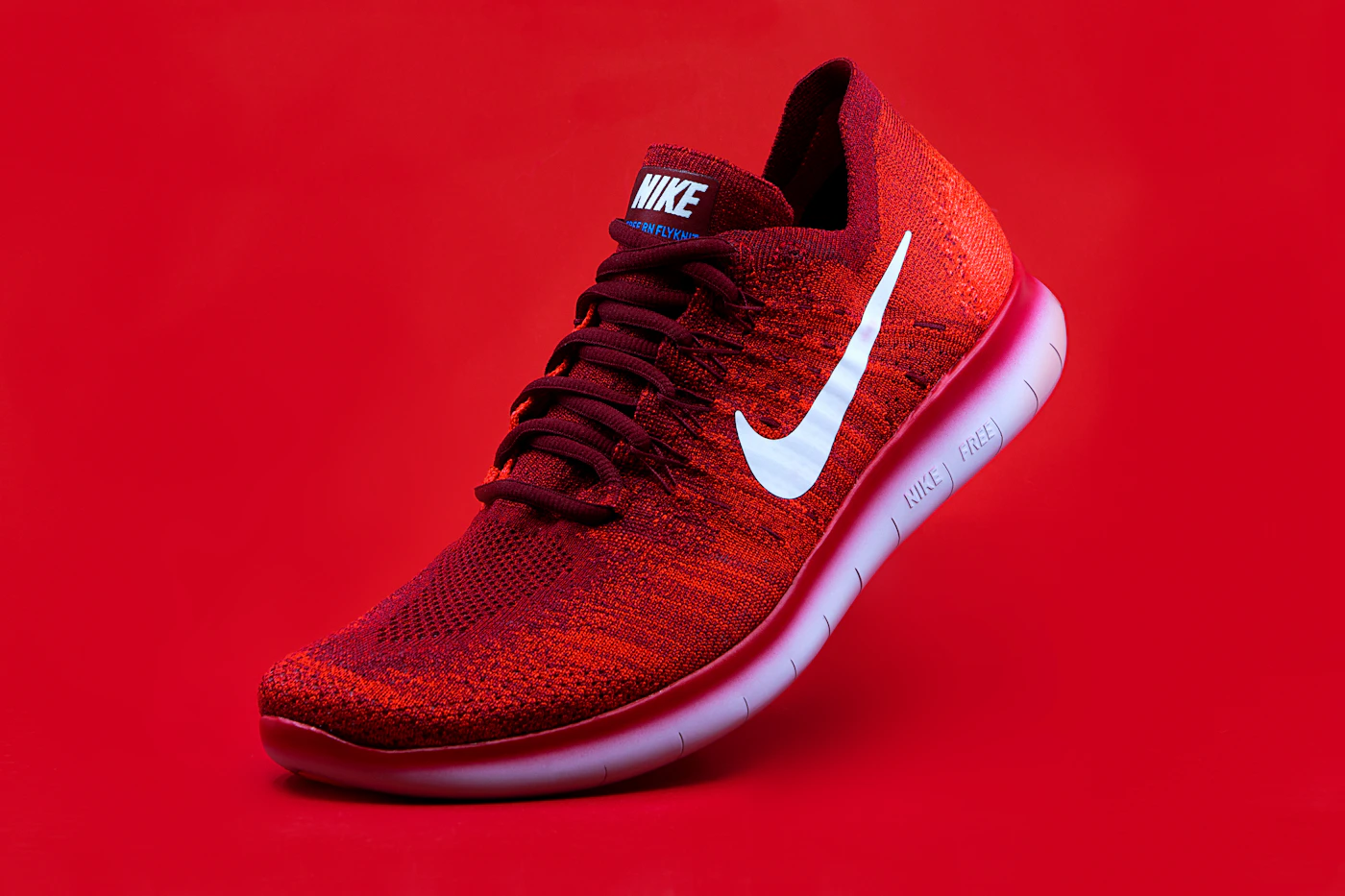
1. Start with the full product name
Read the complete title, brand, model or style name. Short titles can hide important differences, so open each listing and check the product description rather than comparing only the first line or thumbnail.
2. Compare specifications side by side
Make a short list of the details that matter for your intended use. Depending on the item, these may include dimensions, material, capacity, compatibility, colour, care instructions or supported features. Use the same units when comparing measurements, and do not assume a missing specification matches another listing.
3. Check the exact package contents
Confirm whether the price is for one item, a multipack or a set. Photos may show accessories, props or coordinating products that are not included. Look for a package-contents list and check whether batteries, adapters, tools, cases or other necessary parts are sold separately.
4. Compare total cost, not just headline price
Review the current product price, delivery charge and any other fees shown before payment. A lower item price may not be the lower final total. If prices are shown in different currencies or quantities, convert them consistently and compare equivalent items.
5. Read images as supporting evidence
Look at multiple product photos for shape, ports, seams, dimensions or included pieces, but use written specifications for exact facts. Screen settings and photography can affect colour. If the image and description conflict, ask the seller for clarification instead of choosing the interpretation you prefer.
6. Use a simple comparison table
Record the exact model, important specifications, package contents, delivery details, return conditions and final checkout total. This makes it easier to see what is confirmed and what still needs checking before you order.
Quick checklist
- The product model or style is the one I need.
- Important measurements and specifications are stated.
- Quantity and package contents are clear.
- The total checkout amount is acceptable.
- Any missing or conflicting details have been clarified.
Continue exploring Shopora
Use the live product details and checkout information to confirm an item is right for you.
Browse products · Returns & refunds · Contact support · More articles & guides